

Download MIDACO 7 for Text-I/O
Any Application as a Black Box
Section titled “Any Application as a Black Box”With the Text-I/O interface MIDACO can optimize any program that reads its variables from a text file and writes its objectives and constraints to another one – no programming language binding required.
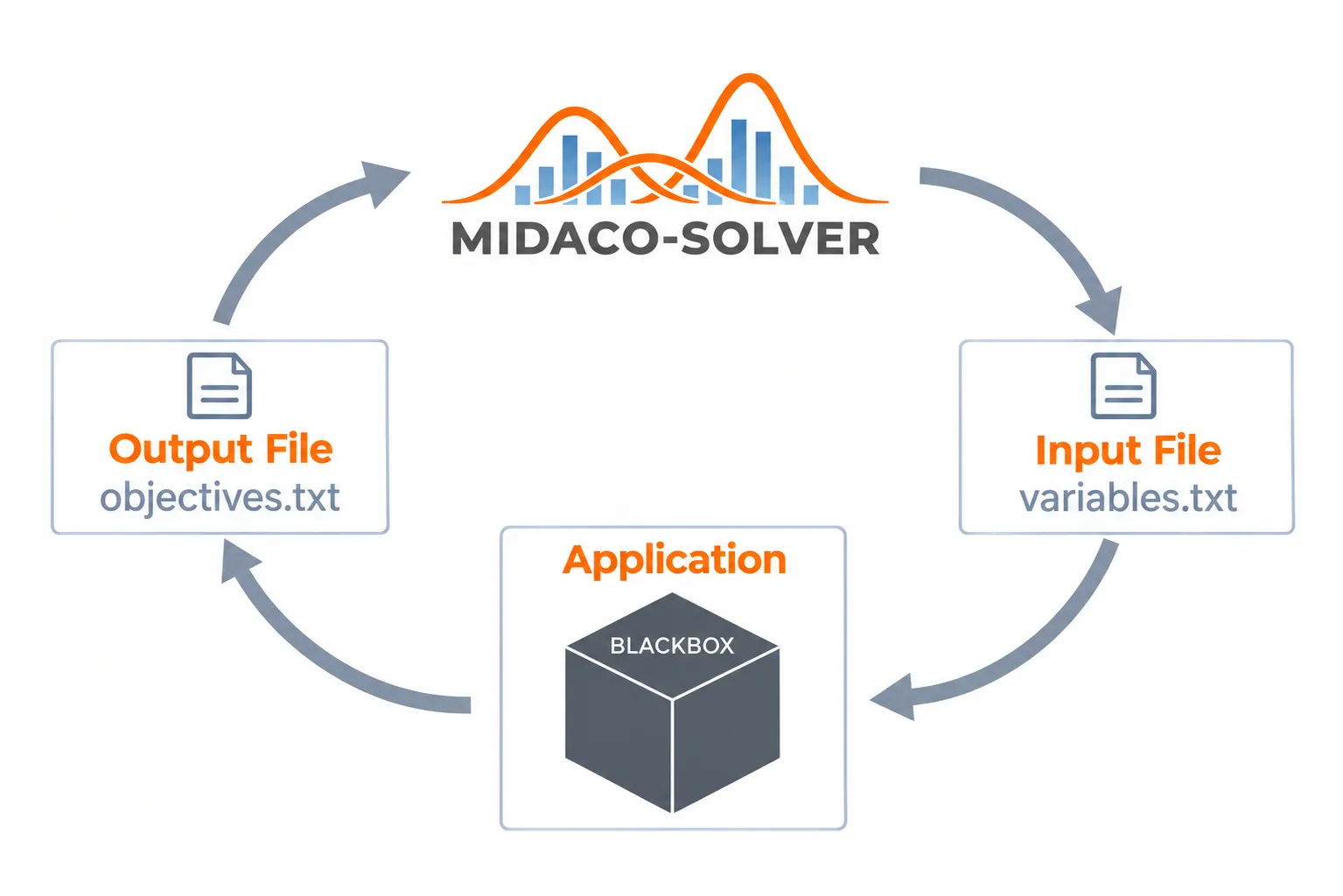
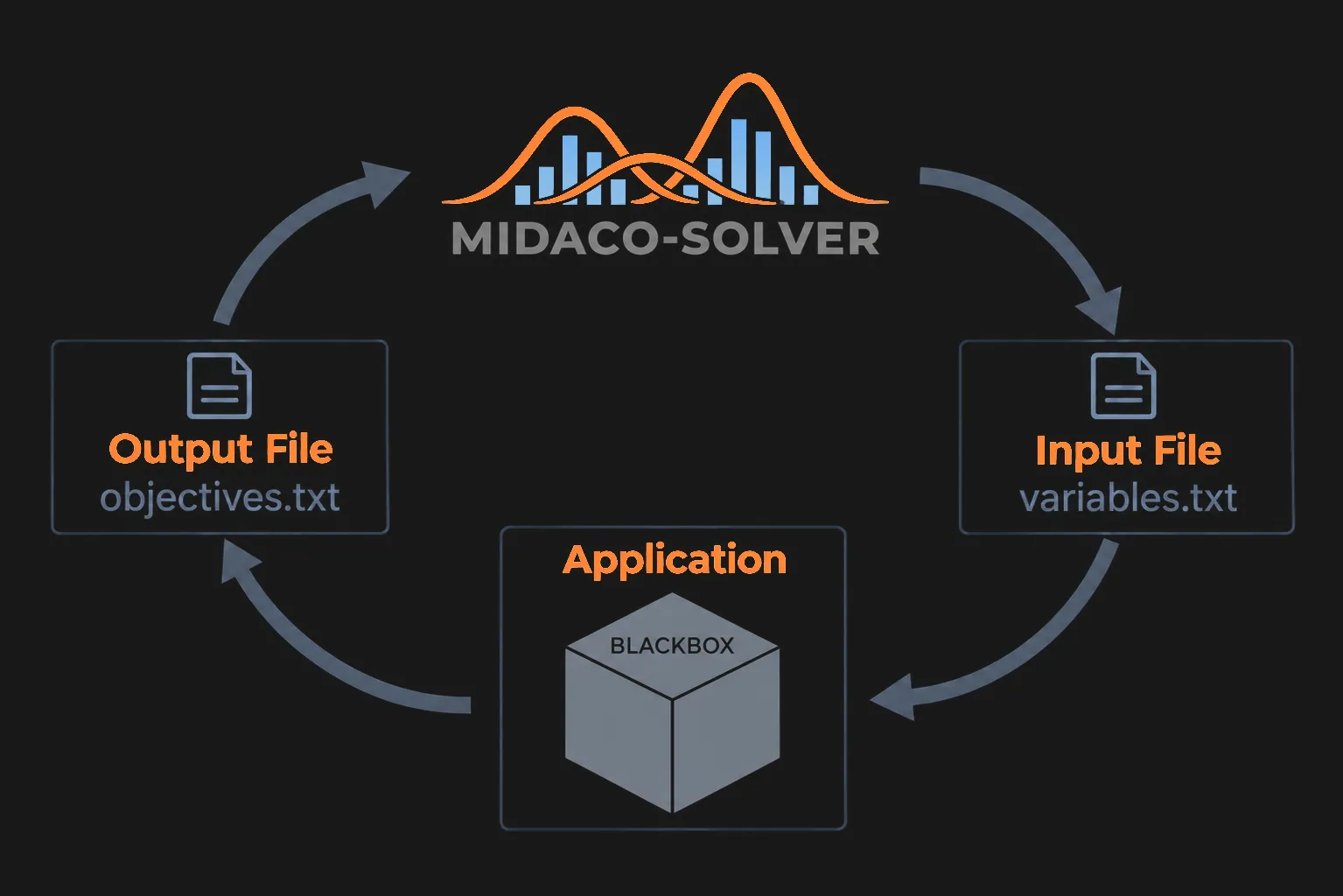
MIDACO ↔ variables.txt → application → objectives.txt
midaco.py & midacopy
Python Gateway and Library – from the Python page
blackbox
Example Blackbox Executable
Example Problems
| Problem Type | Description | Python |
|---|---|---|
| NLP | Simplest form, serial | example_NLP.py |
| MINLPc | MINLP with constraints, one folder per evaluation | example_MINLPc.py |
| ADVANCED | Error handling, keeps the best evaluation folder | example_ADVANCED.py |
Additional Files
| File | Description |
|---|---|
| blackbox.c | Source code of the example blackbox |
How to Run
- Save
midaco.py, the library file, an example and the blackbox in one folder - Run the example in this folder
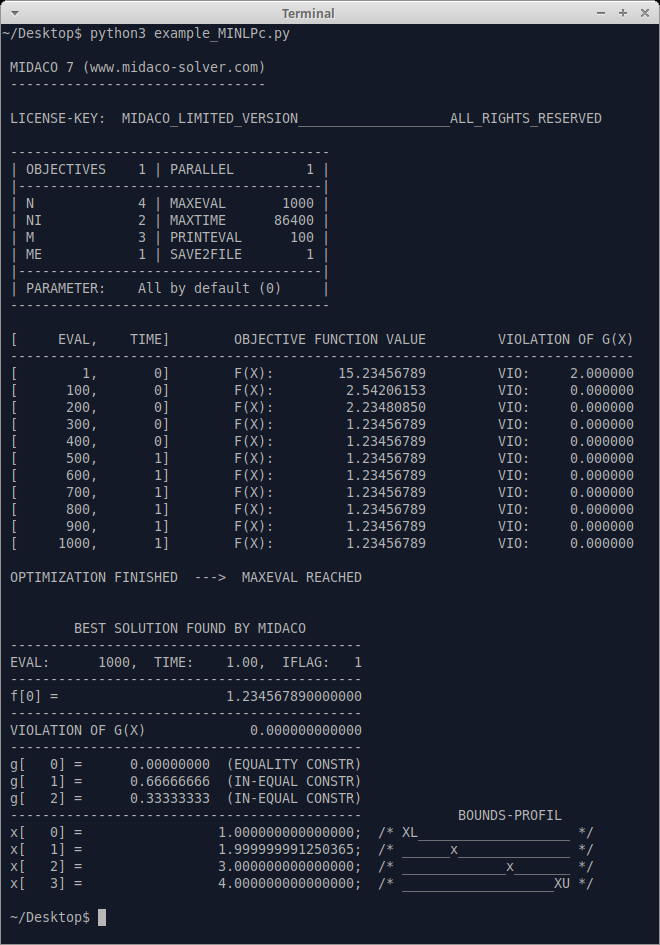
python example_MINLPc.py
Linux and macOS: chmod +x blackbox after the download. Replace the blackbox with your own application.
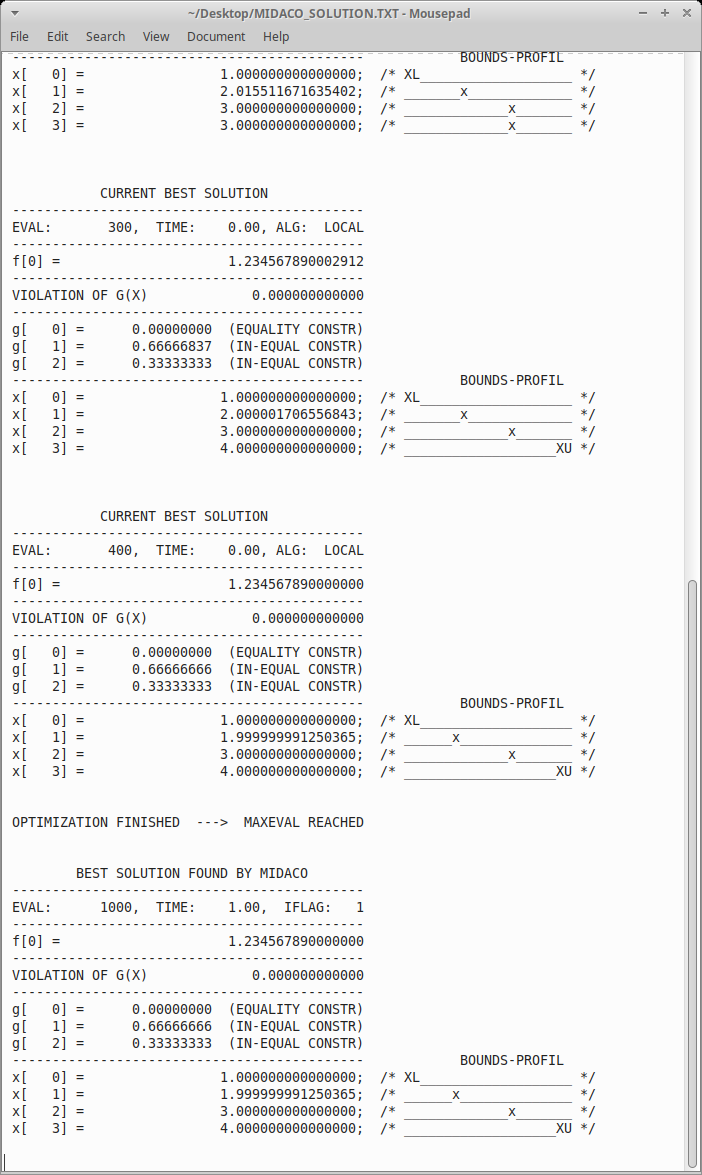
Screenshot and Solution File

© Schlueter Research. All rights reserved.ImprintPrivacyDisclaimer